Pets and characters · Template based
AI pet dance video generator
Upload one photo of your pet, a cartoon or an AI-generated character, pick a dance template, and get a short video of that subject doing the template’s moves. You pay per second of the template, and the credit cost is shown before you generate.
- One photo in
- Pick a template
- Priced per template second
- Not for real people
JPG / PNG only, up to 4.7 MB, from 480×480 to 1920×1080 pixels (either orientation).
Pets, cartoon characters and AI-generated characters only. No photos of real people.
Checking that generation is available.
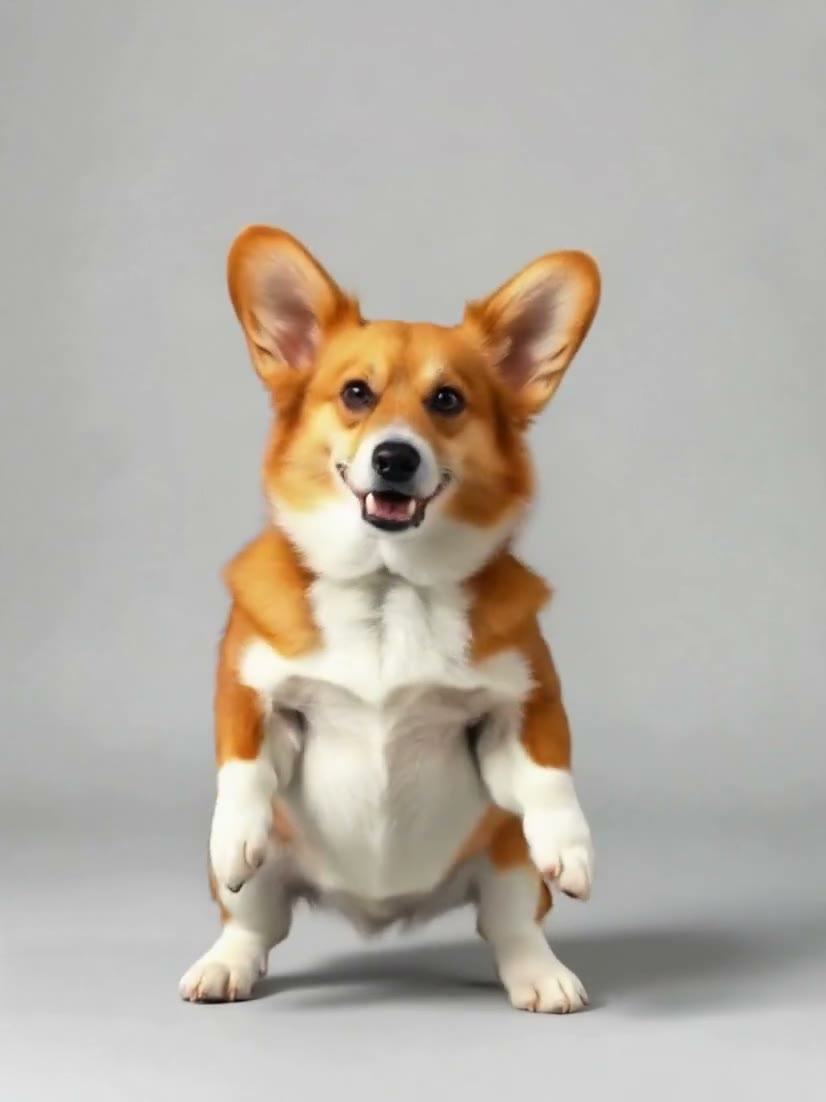
Corgi, side steps and spin: DreamActor v25.1s · 3:42026-10-11
01
What is an AI pet dance video generator?
An AI pet dance video generator takes one still image and a short driving video, and produces a new video in which the subject of the image performs the motion of the driving clip. Here you upload a photo of a pet, a cartoon or an AI-generated character, choose a template, and the site sends both to a motion-transfer model. Real people are not accepted.
- You give
- One photo and a template
- Default model
- DreamActor v2 (ByteDance)
- Photo
- JPG or PNG, up to 4.7 MB
- Price
- 12.5 credits per template second
02
Four real clips from one corgi photo
These are real outputs, made through fal.ai on October 11, 2026 (UTC) from one AI-generated photo of a corgi. Three came from DreamActor v2 with three different templates, one from Kling 3.0 Motion Control with the first template again. Each shows the photo, the template and its receipt; “Use this template” selects that template in the generator, and you upload your own photo. The notes say what we saw, and it is one photo of one corgi: they do not predict your result.
Scene 01
Corgi, side steps and spin: DreamActor v2
The corgi keeps its look and follows the template’s moves. The clip came back at 826×1102 (3:4), not the template’s 9:16, and runs 5.14 s for a 5 s template. It has an audio track, but the track is silent.
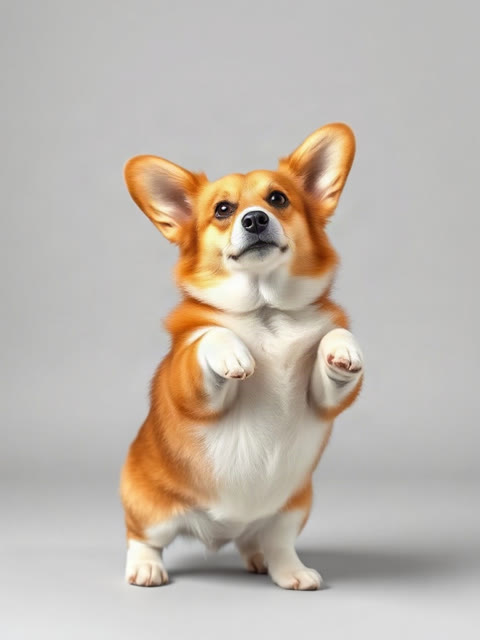
Photo
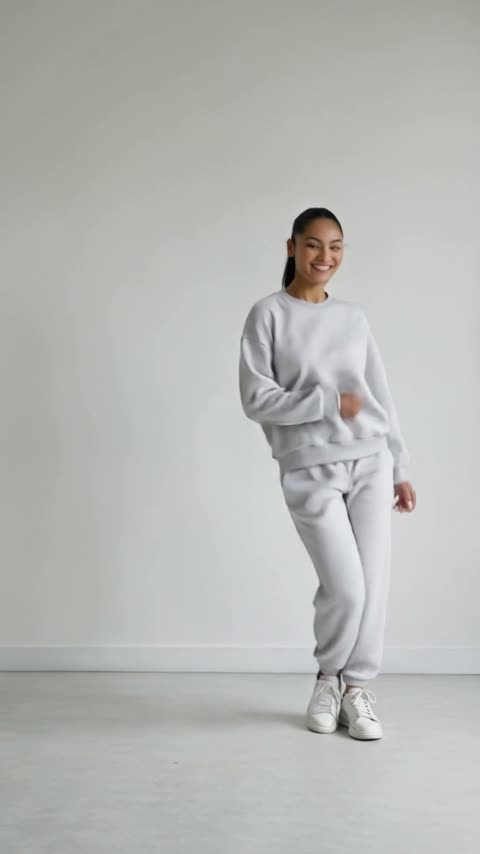
Template
Side steps, spin and jump · 5 s
Receipt
- Model
- DreamActor v2
- Template
- Side steps, spin and jump · 5 s
- Length
- 5.14 s, charged as 5 s
- Output
- 826×1102 · Sound Off
- Generated
- 2026-10-11
- Took
- 28 s
- Provider cost
- $0.25
- Here
- 63 credits
- Request
- 01a12640-4c98-7ce3-a94d-fc8a1dfbe68e
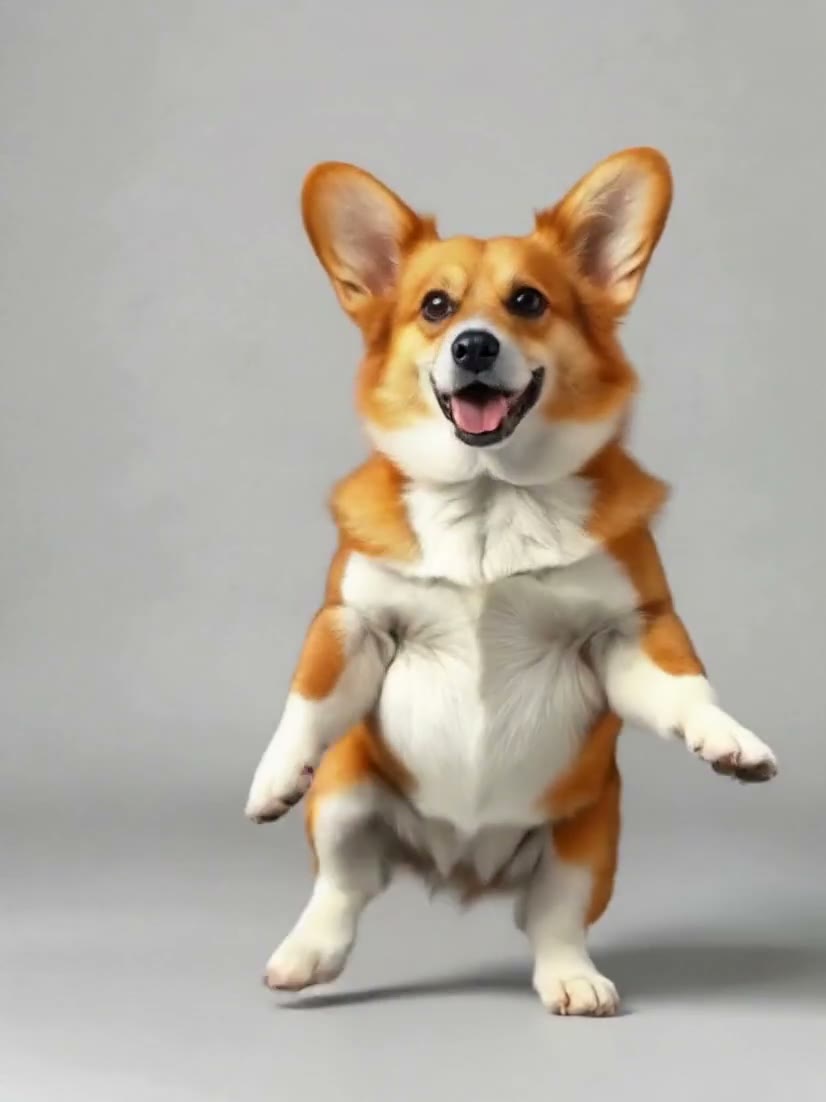
Scene 02
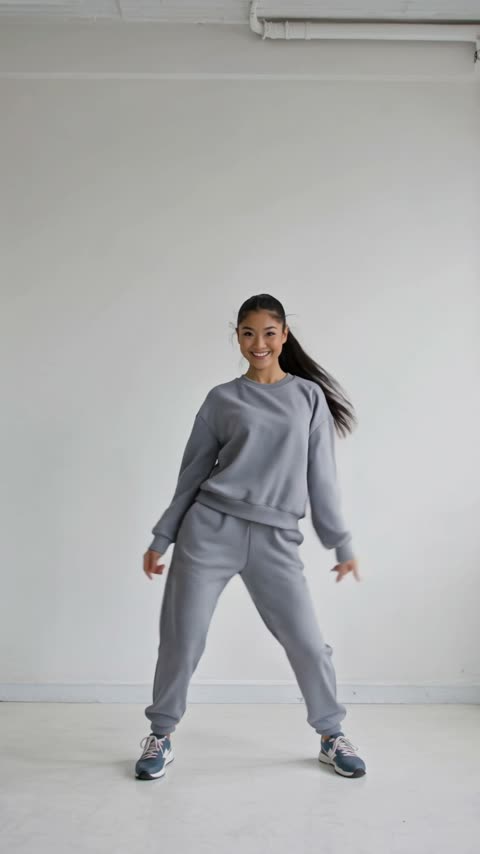
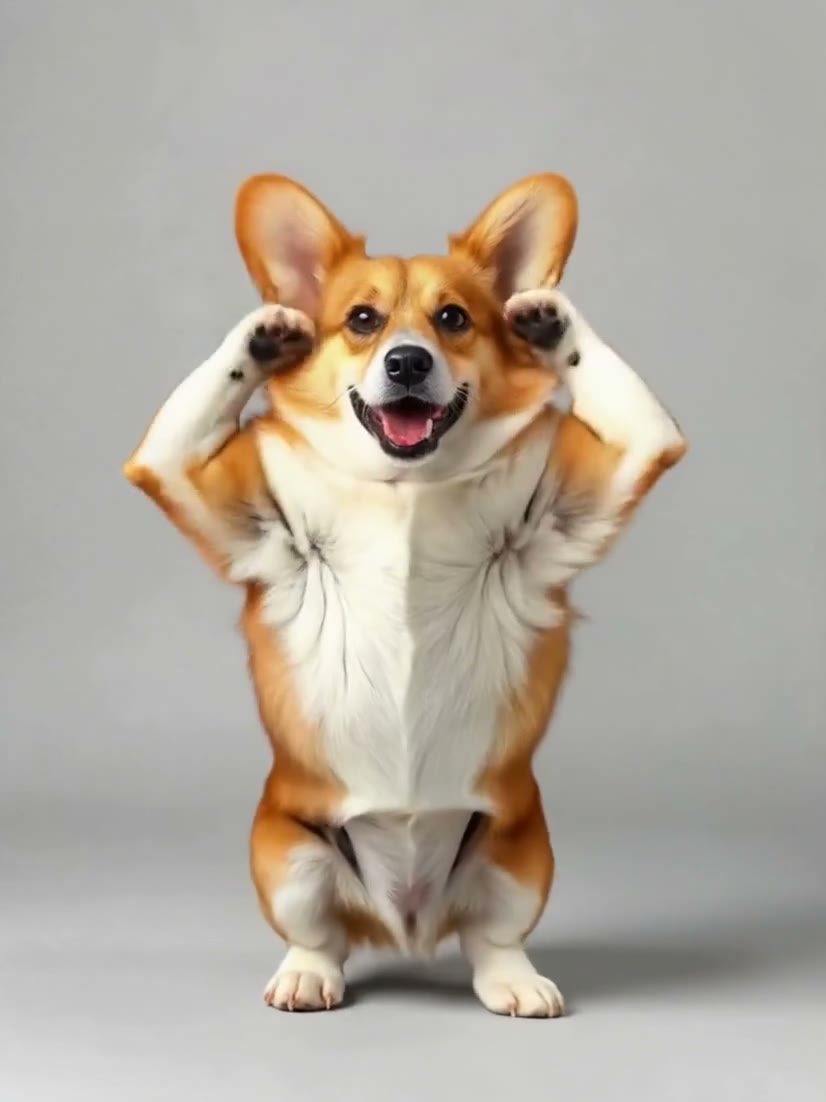
Corgi, disco routine: DreamActor v2
The corgi keeps its look and follows the template’s moves. This is the 10 s template: the clip runs 10.14 s at 826×1102, and the audio track is silent.
Photo
Template
Disco routine, diagonal points · 10 s
Receipt
- Model
- DreamActor v2
- Template
- Disco routine, diagonal points · 10 s
- Length
- 10.14 s, charged as 10 s
- Output
- 826×1102 · Sound Off
- Generated
- 2026-10-11
- Took
- 211 s
- Provider cost
- $0.50
- Here
- 125 credits
- Request
- 01a12864-595a-7023-b954-d42d7c5da9a8
Scene 03
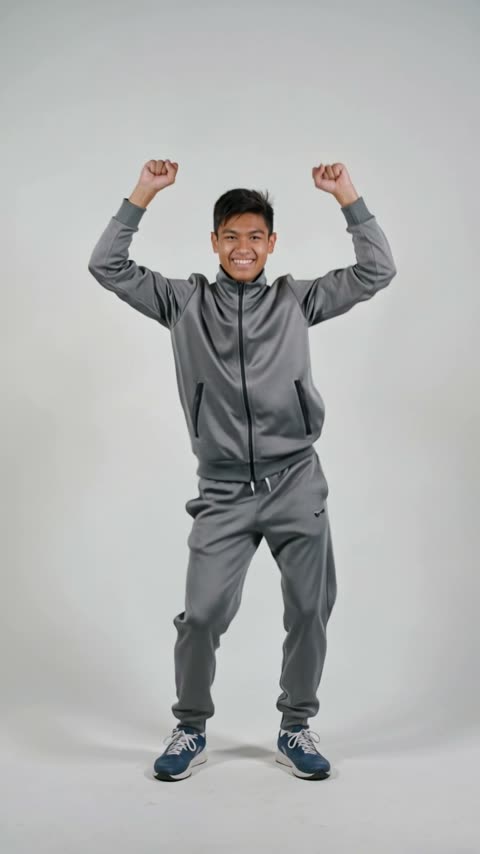
Corgi, victory dance: DreamActor v2
The corgi keeps its look and follows the template’s moves, fists overhead included. The clip runs 5.14 s at 826×1102, and the audio track is silent.
Photo
Template
Victory dance, fists overhead · 5 s
Receipt
- Model
- DreamActor v2
- Template
- Victory dance, fists overhead · 5 s
- Length
- 5.14 s, charged as 5 s
- Output
- 826×1102 · Sound Off
- Generated
- 2026-10-11
- Took
- 26 s
- Provider cost
- $0.25
- Here
- 63 credits
- Request
- 01a12643-de72-7031-9949-248acd23c202
Scene 04
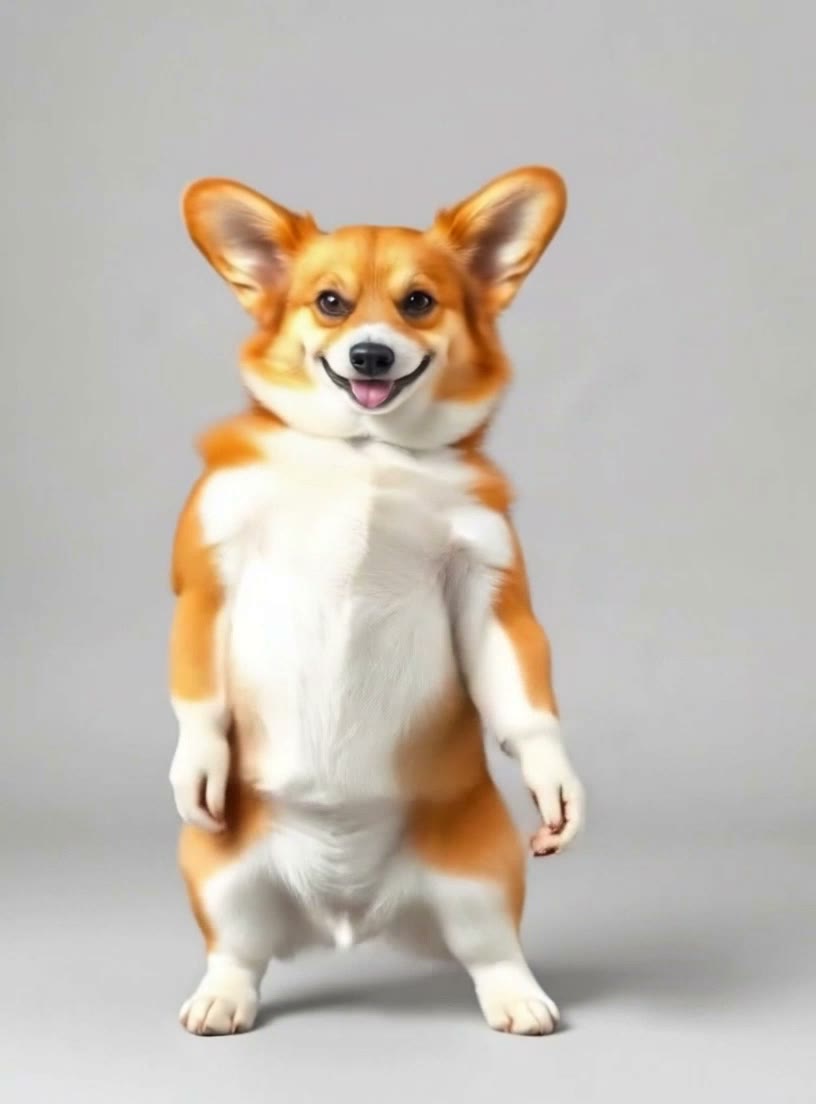
Corgi, side steps and spin: Kling 3.0 Motion Control
The same photo and the same template as the first clip, through the other model. The corgi keeps its look and follows the template’s moves. The clip runs 5.03 s at 816×1104 and has no audio track; the sound switch was off.
Photo
Template
Side steps, spin and jump · 5 s
Receipt
- Model
- Kling 3.0 Motion Control
- Template
- Side steps, spin and jump · 5 s
- Length
- 5.03 s, charged as 5 s
- Output
- 816×1104 · Sound Off
- Generated
- 2026-10-11
- Took
- 77 s
- Provider cost
- $0.63
- Here
- 158 credits
- Request
- 01a12644-4c9f-75e2-986b-dc8765689ae0
03
Specs of the two models offered
What each model takes at the API, and what this site does with it. Specifications and public prices were re-read on October 12, 2026. Published prices are cost estimates, not confirmed invoices; the recorded clips do not test every input limit.
- DreamActor v2: inputs
- One image and one driving videoNo prompt field.Source: fal.ai DreamActor v2 page
- DreamActor v2: image
- JPEG or PNG, up to 4.7 MB, 480×480 to 1920×1080Source: fal.ai DreamActor v2 page
- DreamActor v2: driving video
- Up to 30 secondsSource: fal.ai DreamActor v2 page
- DreamActor v2: API price
- $0.05 per generated secondSource: fal.ai DreamActor v2 page
- Kling 3.0 Motion Control: inputs
- One image, one driving video, an optional prompt, and a switch to keep the video’s own soundSource: fal.ai Kling 3.0 Motion Control page
- Kling 3.0 Motion Control: API price
- $0.126 per secondSource: fal.ai Kling 3.0 Motion Control page
- On this site
- Templates only, charged by the template’s lengthNot offered here: your own driving video, a length you choose, photos of real people.
- Price on this site
- 12.5 credits per second (DreamActor v2); 31.5 credits per second (Kling 3.0 Motion Control)
Last checked 2026-10-12
04
How to make your pet dance here
Upload one photo
JPG or PNG, up to 4.7 MB, between 480×480 and 1920×1080 pixels in either orientation. A larger photo is scaled down in your browser before it is sent. WebP is not accepted by the default model.
Pick a template
Each template is a short driving clip. The subject in your photo is asked to follow its motion. You choose from the list; you cannot upload your own video here.
Tick the box and generate
Confirm that the photo shows a pet, a cartoon or an AI-generated character and not a real person. The credit cost for that template is shown before you generate, and it is charged when the request is accepted.
Download the MP4
The finished clip appears in your workspace and in My videos, private to your account. If a generation fails, the credits come back automatically.
05
How this site works
What you can count on here, and what you should not expect.
The price before you pay it
A clip is priced per second of the template you pick, so the quote changes with the template. The exact figure is on screen before you generate.
Failed jobs are refunded automatically
If a generation fails, the credits come back on their own. A finished clip that plays but that you do not like is still charged.
A rule about photos, not a detector
Pets, cartoon characters and AI-generated characters only. Photos of real people are not accepted, and you confirm this with a tick box before each generation. This is a rule you agree to; the site does not scan your photo to check it, so the responsibility for what you upload is yours.
What is not offered here
Uploading your own driving video, choosing a clip length, writing a prompt for the default model (it has no prompt field), and photos of real people.
No results promised
The clips on the home page were all made from one AI-generated corgi photo. A different photo or template, or a pet that looks different, can come out differently, and nothing here promises how your result will look.
06
What a clip costs here
The charge is the template’s length in seconds times the model’s rate: 12.5 credits per second for the default model, DreamActor v2, and 31.5 for Kling 3.0 Motion Control. The table lists every template. Packs and plans are on the pricing page.
| Model | Template | Length | Credits | With the smallest pack |
|---|---|---|---|---|
| DreamActor v2 | Side steps, spin and jump | 5 s | 63 | $0.63 |
| DreamActor v2 | Relaxed hip-hop groove | 5 s | 63 | $0.63 |
| DreamActor v2 | Disco routine, diagonal points | 10 s | 125 | $1.25 |
| DreamActor v2 | Victory dance, fists overhead | 5 s | 63 | $0.63 |
| DreamActor v2 | Arm waves, low squat and a bow | 10 s | 125 | $1.25 |
| DreamActor v2 | Babydoll-style routine | 10 s | 125 | $1.25 |
| Kling 3.0 Motion Control | Side steps, spin and jump | 5 s | 158 | $1.58 |
| Kling 3.0 Motion Control | Relaxed hip-hop groove | 5 s | 158 | $1.58 |
| Kling 3.0 Motion Control | Disco routine, diagonal points | 10 s | 315 | $3.15 |
| Kling 3.0 Motion Control | Victory dance, fists overhead | 5 s | 158 | $1.58 |
| Kling 3.0 Motion Control | Arm waves, low squat and a bow | 10 s | 315 | $3.15 |
| Kling 3.0 Motion Control | Babydoll-style routine | 10 s | 315 | $3.15 |
07
Common questions
Can I use a photo of a person?
No. The site is for pets, cartoon characters and AI-generated characters. You confirm this with a tick box before each generation, and the server refuses a request without it. It is a rule, not a detector: the site does not look at the photo.
Can I upload my own dance video?
No. You pick from the templates listed on the page. Each one has a fixed length, and that length is what you are charged for.
How much does one clip cost?
The template’s length in seconds times the model’s rate (12.5 credits per second for DreamActor v2). The quote on the page follows the template you select, and the pricing page shows what the credit packs cost.
Is it free?
There is no free allowance: every clip is paid for with credits. Each clip costs credits based on the template and model you pick; the exact cost is shown before you generate.
What happens when a generation fails?
The credits come back to your balance automatically. A finished clip that plays but that you do not like is still charged.
Why was my photo refused?
The default model takes JPG or PNG up to 4.7 MB, from 480×480 to 1920×1080 pixels in either orientation. WebP is refused. Photos that are too large are scaled down in your browser; photos that are too small cannot be used.
Make your pet dance
Upload a photo, pick a template, check the credit cost, and generate. A failed generation is refunded.
08
Other video models are on Cicadas
AI Pet Dancing does one thing: motion from a template onto a photo. The team behind it also operates Cicadas, a separate site with other video models. Accounts and credits are not shared between the two sites.
Visit Cicadas